
How to Use Web of Science: A Step-by-Step Guide for Researchers
For students, academics, and researchers, a literature search is the foundation of any project. While many search engines can find papers, the Web of Science (WoS) platform is a far more powerful tool. It’s not just a database of articles; it’s a curated citation index that allows you to trace the path of an idea through the scholarly literature.
Owned by Clarivate, Web of Science provides access to a highly selective collection of journals, conference proceedings, and books, known as the Core Collection. Mastering its features can elevate the quality of your research and help you identify the most impactful work in your field.
This guide will walk you through the essential steps to use Web of Science effectively.
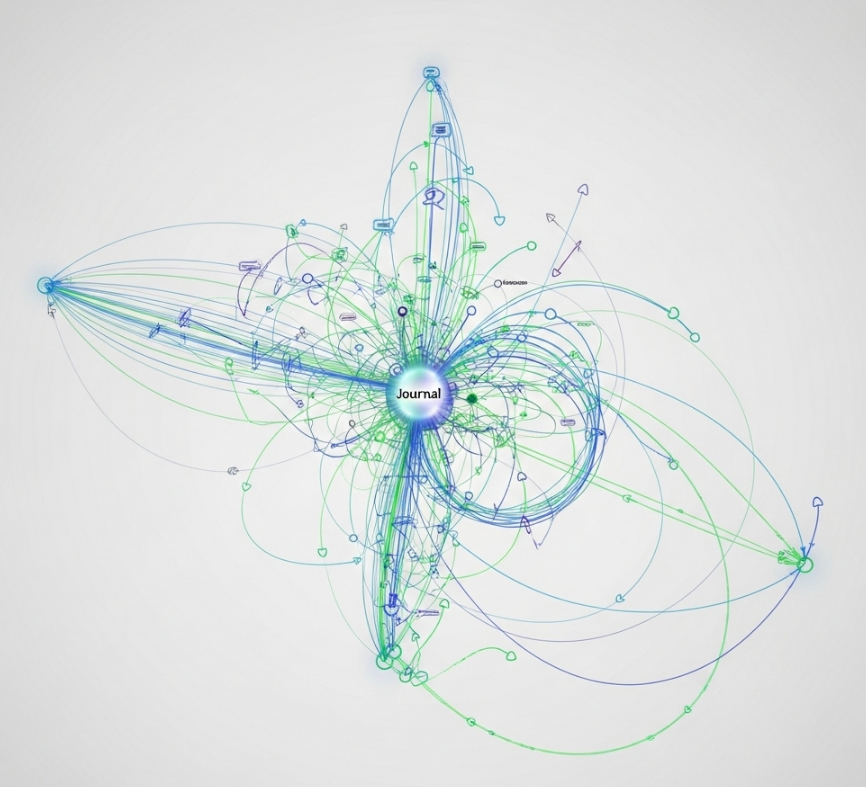
(Image Alt Text: A researcher navigating the citation network in the Web of Science database to conduct a literature search.) (Image Filename: how-to-use-web-of-science-guide.png)
Getting Started: Access and the Main Interface
Web of Science is a subscription-based service. Most users access it through their university or institutional library portal. Once you log in, you'll be presented with a clean search interface. The default search is typically "Documents," which is what you'll use most often.
Part 1: Performing a Basic Search
The basic search is your starting point. You can search by a variety of fields, but the most common are:
-
Topic: Searches for your keywords in the title, abstract, and keywords of an article.
-
Title: Searches for your keywords in the article title only.
-
Author: Searches for specific researchers.
-
Publication Title: Searches for the name of a journal or conference.
You can combine search terms using Boolean operators:
-
AND: Narrows your search (e.g.,
“machine learning” AND “medical imaging”). -
OR: Broadens your search (e.g.,
“student success” OR “student retention”). -
NOT: Excludes terms (e.g.,
“AI” NOT “robotics”).
Example: A search for the Topic ("gene editing" OR CRISPR) AND ethics will find articles that discuss the ethics of either gene editing or CRISPR.
Part 2: Refining Your Search Results
A broad search can yield thousands of results. The "Refine Results" panel, typically on the left side of the screen, is crucial for narrowing them down. Key filters include:
-
Publication Years: Focus on the most recent research or a specific time period.
-
Document Types: Limit your search to articles, reviews, or conference proceedings.
-
Web of Science Categories: Filter by specific research fields (e.g., Computer Science, Artificial Intelligence).
-
Authors: See the top authors in your search results.
-
Affiliations: Identify the leading institutions researching the topic.
Part 3: Unleashing the Power of Citation Analysis
This is what makes Web of Science unique. For any article in the results, look at the citation network:
-
Times Cited: This shows you how many other papers in the Core Collection have cited this article. Clicking this number is an excellent way to move forward in time and find more recent research that builds upon this work. A high number often indicates an influential paper.
-
Cited References: This shows you the bibliography of the article. Clicking this allows you to move backward in time to discover the foundational papers that this research was based on.
-
Related Records: This feature finds other articles that cite the same references as the paper you are looking at. It's a powerful way to find research that is closely related to your topic, even if it doesn't use the exact same keywords.
Part 4: Advanced Features for Power Users
Once you are comfortable with the basics, explore these powerful features:
Advanced Search
The "Advanced Search" function allows you to build complex queries using field tags (e.g., TS= for Topic, AU= for Author). This gives you precise control over your search.
Finding a Journal's Impact Factor (JIF)
Web of Science is directly linked to the Journal Citation Reports (JCR), which is the official source for the Journal Impact Factor.
-
In an article's record, click on the journal's name.
-
From the journal's page, look for a link to the Journal Citation Reports.
-
This will take you to the JCR profile, where you can find the journal's JIF, rank, and quartile in its category.
Creating Alerts
Don't want to miss new research? You can save your search and create an email alert. Web of Science will then notify you whenever a new paper matching your criteria is added to the database.
Conclusion
Web of Science is more than just a tool for finding articles; it's an essential resource for understanding the landscape of your research field. By moving beyond simple keyword searches and leveraging its powerful citation analysis tools, you can identify landmark studies, discover emerging trends, and find the most relevant and impactful information for your work. Take the time to explore its features through your library's access—it's an investment that will pay dividends throughout your academic career.